






Key takeaways
- Shopify's built-in returns cover the basics: return requests from the order page, a return window and final-sale rules. Exchanges, local return labels and separate handling for faulty items take more work.
- Singapore shoppers are used to dropping parcels at lockers, counters and post offices near home, so choose a carrier whose drop-off network covers where your customers live.
- Your policy has to treat faulty items under the Lemon Law separately from change-of-mind returns, and refunds for faulty items go back to the original payment method.
Plenty of Singapore's fashion, beauty and lifestyle brands run on Shopify, and its returns tools have come a long way. They still stop short in a few places that matter here: return labels for local carriers, exchanges customers can start themselves, and the split between faulty and change-of-mind returns that Singapore's Lemon Law expects.
This guide covers how to set up returns on a Singapore Shopify store, which carriers and drop-off options to offer, how refunds, exchanges and store credit work, and when it's worth adding a returns app.
Start with your return policy
Before you touch any settings, decide what your policy says. In Singapore it needs two parts. The first covers items that are faulty or not as described, and the Lemon Law sets most of it: a repair or replacement first, then a refund or a lower price if that doesn't work, with you covering the costs. The second is your change-of-mind offer, which is up to you, because customers have no legal right to return something they simply don't want.
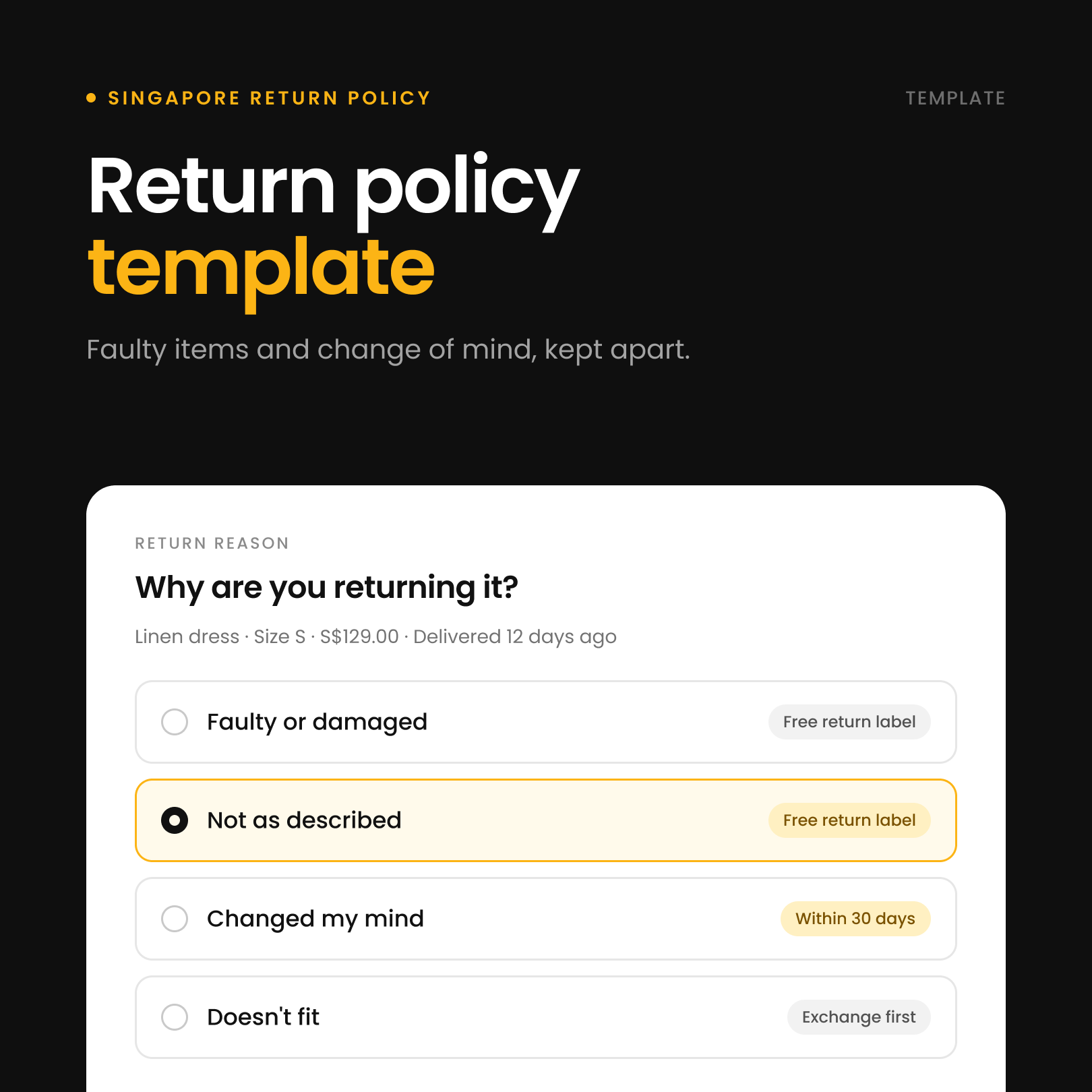
Our return and refund policy template for Singapore has wording for both parts that you can copy. Publish it as your refund policy in Shopify, link it from your footer and product pages, and use the same wording in your order emails.
Shopify's built-in returns
Shopify has a returns flow in the admin. You can create a return on an order, record the reason, refund the customer and restock the items. If you turn on self-serve returns, customers can request a return from their order status page or their account, and you approve or decline each request.
Return rules, under Settings and then Policies, set your return window, who pays return shipping, any restocking fee and which items are final sale. You can set different rules by market if you also sell overseas.
A few limits are worth knowing about:
- Self-serve returns only works with Shopify's newer customer accounts, not legacy ones.
- Customers can't request an exchange through it. You create the exchange yourself in the admin.
- Shopify's built-in return labels are aimed at stores in the US and Canada, so a Singapore store usually gets its labels from its carrier or a returns app.
- A faulty item and a wrong size go through the same request and approval, so separating them is mostly a manual job.
For a store handling a few returns a week, that's often enough. As volume grows, the manual steps start to add up.
Carriers and drop-off in Singapore
Singapore is small and dense, and shoppers are used to sending and collecting parcels close to home rather than waiting in for a courier. The main options for returns are:
- SingPost, through post offices, POPStation lockers and POPStop counters in convenience stores
- Ninja Van, through Ninja Points, which are drop-off counters in shops around the island
- Pick lockers, the shared parcel lockers found in many HDB estates
- courier collection from the customer's address, usually for a higher fee
Which of these you can offer depends on your carrier account, because the label has to match the drop-off network. A SingPost label goes to a SingPost point and a Ninja Van label goes to a Ninja Point. Put the drop-off instructions in the return confirmation email, with a link to find the nearest location, so customers aren't left guessing.
Domestic returns in Singapore usually move quickly once they're dropped off, which makes the drop-off step the part customers notice most. A return they can drop at the convenience store downstairs feels very different from one that needs a trip to a post office during working hours.
Refunds, exchanges and store credit
Refunds through Shopify go back to the customer's original payment method. Card refunds can take several business days to show on the customer's statement, on top of the time the parcel spends travelling back to you and waiting to be checked. That's a long wait for shoppers used to quick refunds from the big marketplaces.
For change-of-mind returns you can offer store credit or an exchange instead of a refund, as long as your policy says so before the customer buys. For faulty items covered by the Lemon Law, a refund goes back the way the customer paid unless they agree to credit.
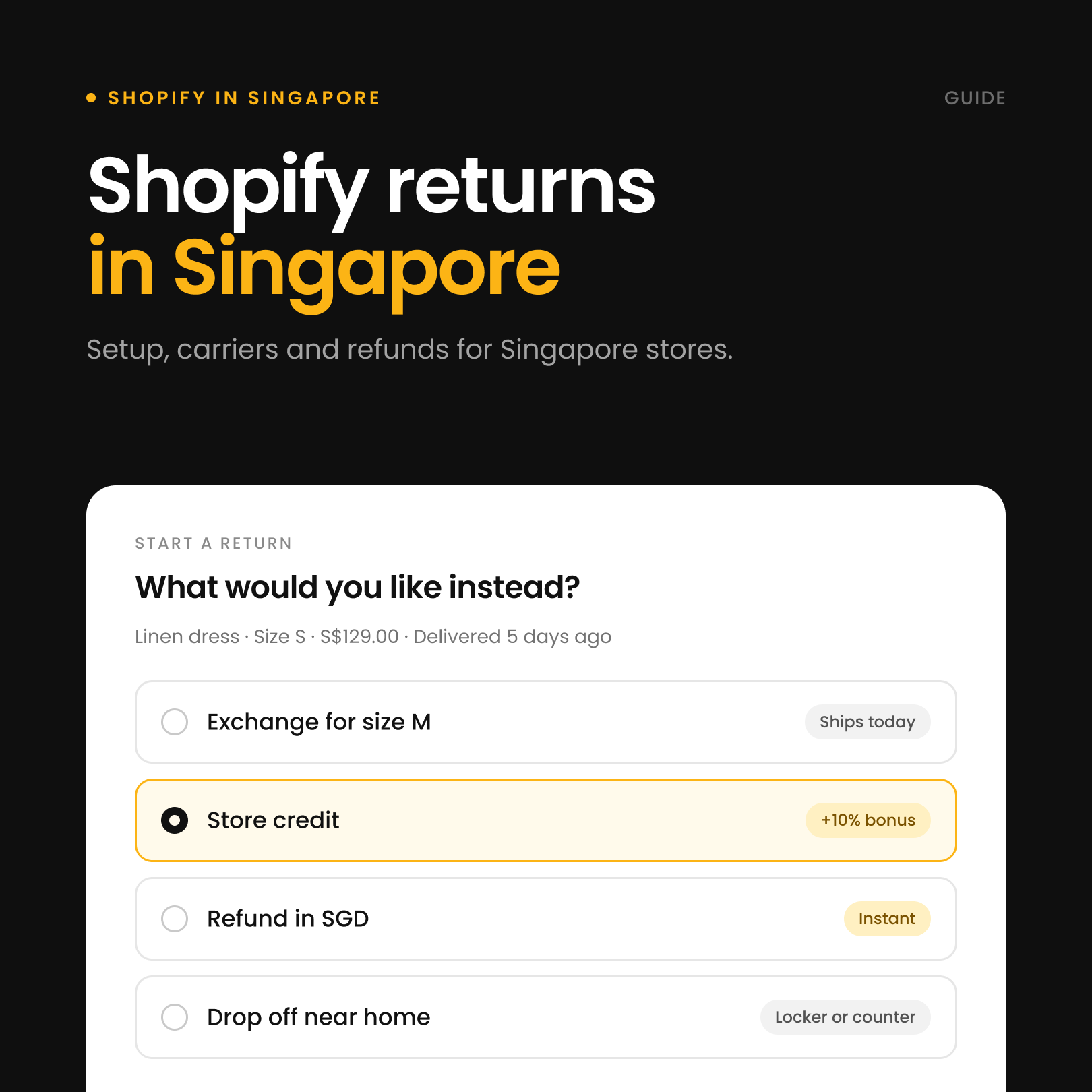
Exchanges are where many stores leave money on the table. A lot of fashion returns come down to size and fit, and a customer who wants the next size up would usually rather swap than wait for a refund and order again. Offering the exchange first, and sending the new item before the old one comes back, keeps the sale and gets the customer what they wanted sooner.
GST on refunds
If you're GST-registered, a refund changes the GST you charged on the original sale. Keep a record of each refund, such as a credit note, so you can adjust what you account for. IRAS's guidance on credit notes, or your accountant, covers the detail for your business.
When to add a returns app
Shopify's built-in returns work well at low volume. A returns app earns its place when you want:
- exchanges customers can start themselves, including for a different product
- return labels from your local carrier created automatically
- different handling for faulty and change-of-mind returns
- store credit or bonus credit offered before a refund
- a branded returns portal that doesn't depend on customer accounts
Refundid is a returns platform built for Shopify brands, and it runs returns for Singapore brands including Seafolly Singapore. Shoppers start a return in your branded returns portal, drop the parcel off nearby, and can get an instant refund in SGD or an exchange before it reaches you. Return rules let faulty items ask for photos and get a free label, while change-of-mind returns follow your own policy. Book a demo to see it on your store.
Frequently asked questions
Do Singapore online stores have to accept returns?
Only for items that are faulty or not as described, under the Lemon Law. There's no legal right to return an item for change of mind, so that part of your policy is up to you.
Can Shopify create return labels for Singapore carriers?
Shopify's built-in return labels are aimed at stores in the US and Canada. Singapore stores usually create labels through their carrier account or a returns app and send them to the customer.
Can customers exchange an item through Shopify's self-serve returns?
Not directly. Customers can request a return, and you can then create the exchange in the admin. A returns app lets customers choose the exchange themselves.
How long do Shopify refunds take to reach customers?
Once you issue a refund in Shopify, it goes back to the original payment method. Card providers can take several business days to show it on the customer's statement.
Should faulty items and change-of-mind returns be handled differently?
Yes. Faulty items are covered by the Lemon Law, so you pay the return costs and can't hold them to your change-of-mind window. Change-of-mind returns follow whatever rules your policy sets.
Related reading
- Lemon Law Singapore: the 6-month rule and refunds explained
- Return and refund policy template for Singapore online stores
- Returns management software for Singapore brands
This is general information only and should not be considered legal advice. If you're not sure how the law applies to your business, talk to a lawyer.