

.avif)


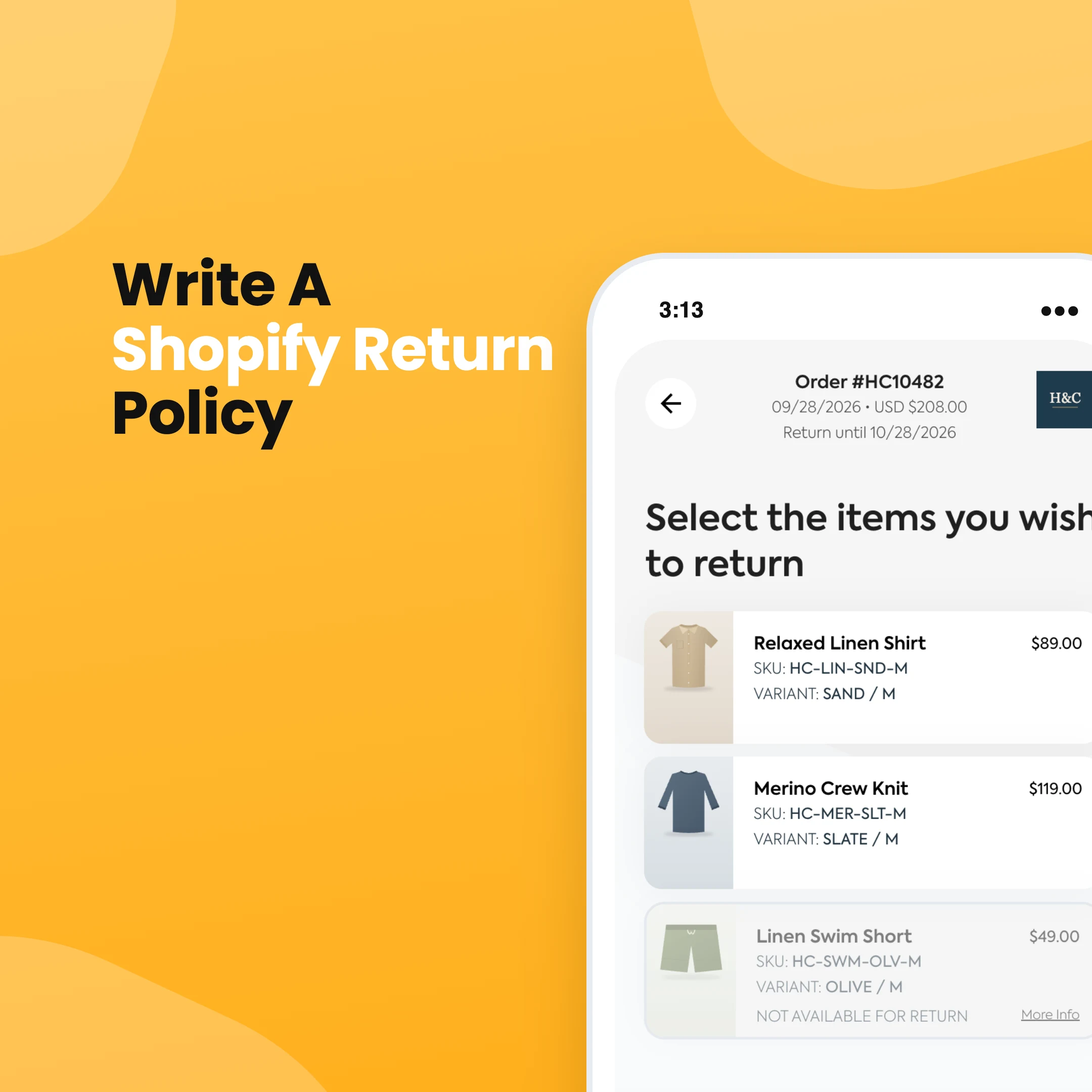


A good Shopify return policy does two jobs. It tells customers what they can send back and what they'll get for it, and it gives your team one set of rules to point to when a request lands. Shopify gives you a place to publish the policy and a separate set of return rules that enforce it. It's easy to fill in one and forget the other, and then your checkout says 30 days while Shopify happily accepts returns at day 45.
The short version
In your Shopify admin, go to Settings > Policies. Under Written policies, click Return and refund policy, paste your policy (or click Insert template and edit it), then click Save. Then set up your return rules on the same page so Shopify enforces the window, fees and final sale items you just wrote down.
What to include in your return policy
Customers read return policies when they're about to buy and when something has gone wrong. In both cases they want quick answers to the same questions:
- How long they have to return something, and when that clock starts
- What condition items need to be in (unworn, tags on, original packaging)
- Which items can't be returned, like final sale, personalised or hygiene items
- Whether they'll get a refund, store credit or an exchange
- Who pays for return shipping, and how much
- Whether you charge a restocking fee
- How to start a return
- How long the refund takes once you have the item back
- What happens if an item arrives faulty or damaged
- Whether international orders follow the same rules
Keep the language plain. If a customer has to read a paragraph twice to work out whether they can return a sale item, they'll email you instead.
One thing to check before you publish: consumer law in your country may give customers rights your policy can't take away, especially for faulty items. A "no refunds on sale items" line doesn't override that. If you sell in Australia, our guide to change of mind refund laws in Australia covers what you can and can't say.
Shopify return policy template
Copy this, swap the bracketed bits for your own details, and delete anything that doesn't apply to your store.
Returns and refunds
We want you to love what you ordered. If something isn't right, you can return it within [30] days of delivery.
What you can return
Items need to be unworn, unwashed and in their original condition with tags attached. We can't accept returns on [final sale items, gift cards, earrings, personalised items].
How to start a return
Start your return at [link to your returns page or customer account]. You'll need your order number and the email you ordered with. Once your return is approved, we'll send you instructions and a return label.
Return shipping
[Return shipping is free.] OR [A return shipping fee of $X is deducted from your refund.] OR [You'll need to arrange and pay for return shipping yourself.]
Refunds
Once we receive and check your return, we'll refund you within [X] business days. Refunds go back to your original payment method. Your bank may take a few extra days to show it. [Original shipping costs aren't refunded.]
Store credit
You can choose store credit instead of a refund. [Store credit doesn't expire.]
Exchanges
Need a different size or colour? Choose an exchange when you start your return and we'll send the new item [once your return is on its way / once we receive your return].
Faulty or damaged items
If your item arrives damaged or develops a fault, contact us at [email] within [X] days with your order number and a photo. We'll sort out a repair, replacement or refund.
International orders
[International returns follow the same window. Return shipping and any duties are paid by the customer.]
Questions?
Email us at [email] and we'll help.
How to add your return policy in Shopify
- From your Shopify admin, go to Settings > Policies.
- In the Written policies section, click Return and refund policy.
- Paste your policy, or click Insert template to start from Shopify's default and edit it.
- Use the text editor to add headings and links, like a link to your returns page.
- Click Save.
Once it's saved, Shopify shows a link to the policy in your checkout footer. Customers rarely find it there, so add it to your store's footer menu too. Go to Content > Menus, open your footer menu, and add a link to the policy.
Shopify's template doesn't pull in your return rules, so read through it and make sure the window, fees and exclusions match what you set up below.
Set up return rules so Shopify enforces your policy
The written policy is just text. Return rules are what Shopify actually applies when a customer requests a return or when you create one from the admin. You'll find them on the same page.
- Go to Settings > Policies.
- In Return and cancellation rules, click the rule you want to edit.
- Pick a return window: 14, 30 or 90 days, unlimited, or a custom number of days. Use Starting from to choose whether it counts from the item's delivery or the delivery of the last item in the order.
- Choose how return shipping works: free, a flat fee per return, or customers buy their own label.
- If you charge a restocking fee, select Charge restocking fee and enter a percentage.
- Under Final sale items, add the products or collections that can't be returned. You can pick products or collections, not both.
- If some items need a shorter or longer window, add a Return window override for those products or collections. When an item falls under more than one override, the shortest window wins.
- Click Save.
Rule changes only apply to new orders. If you sell into more than one market, Shopify is also rolling out separate rules per market, so check whether you see an Add rule option.
To let customers request returns themselves, turn on self-serve returns under Settings > Customer accounts. Customers then request a return from their order page, and you approve or decline each one in the admin. If you want to understand how those requests turn into refunds and exchanges, our guide on how to do returns on Shopify walks through the full process.
Where Shopify's rules run out
Shopify's rules work by window, collection and product. That covers a lot of stores. It gets harder when your real policy has more conditions than that, for example:
- Faulty items get a refund, but change of mind only gets store credit
- Sale items can be exchanged but not refunded
- Items tagged a certain way are excluded, or have a different window
- Customers who choose store credit get a bonus on top
- Different return options depending on the reason or order value
Customers can't see most of that nuance in Shopify, so your team ends up applying it by hand, one email at a time.
When a returns app is worth it
If your policy fits in Shopify's settings and you handle a few returns a week, stick with Shopify. It's free and it does the job.
A returns app starts paying for itself when you're applying parts of your policy by hand. In Refundid, you build the policy into the return flow itself. Rules can look at Shopify product and order tags, SKU, vendor, discount, days since delivery, order value, country, return reason and the customer's return history. Then they can block an item, hide refund as an option, send the return to your team for review, or change what return shipping costs. The window can start from the order date, fulfilment or delivery, with a grace period if you want one.

Customers see the result as they go. They look up their order with their email and order number in a portal that carries your branding, and they only see the options your policy allows for that item. You can also add a Return button and an eligibility block to Shopify's new customer accounts, so customers can see what they can return before they start.

If you're comparing options, we've rounded up the top Shopify returns apps. You can see how it works for Shopify stores on our Refundid for Shopify page, or book a demo and we'll walk through it using your actual policy.